In Maya if you want to import multiple FBX files you're supposed to be able to drag and drop them into a blank scene. However if you've changed your default settings you'll get a problem where it pops up a warning dialog and only imports the first FBX.
That looks like this:
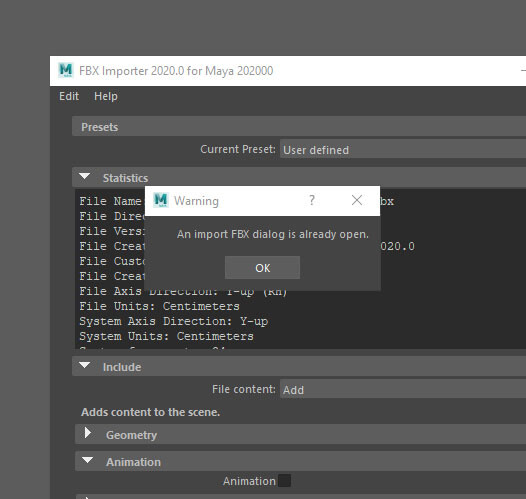
There's a whole thread about it here:
I wasn't interested in figuring out the exact setting in the preferences that caused this. So instead I made this very basic script to do it (below) and I thought other people might like to use it. (I created a shelf button with this code in it)
string $files[] = ` fileDialog2 -fileFilter ("*" + ".fbx") -fm 4 -okc "Select Files"`;
for ($file in $files){
    FBXImport -file $file;
}
This Script will import everything you select in the dialog that pops up when you run it. It will use whatever FBX settings you used last time you imported a FBX.